
Transforming Interior Design Presentations with Photoshop: A Creative Guide
Photoshop Interior Design Presentations is more than just arranging furniture and choosing color schemes. It’s about communicating a vision clearly to clients and stakeholders. In today’s competitive market, presentation quality can be the difference between winning a project and losing one. That’s where Photoshop steps in. This powerful software has become a game-changer for interior designers who want to elevate their visuals, enhance realism, and create presentations that resonate emotionally.
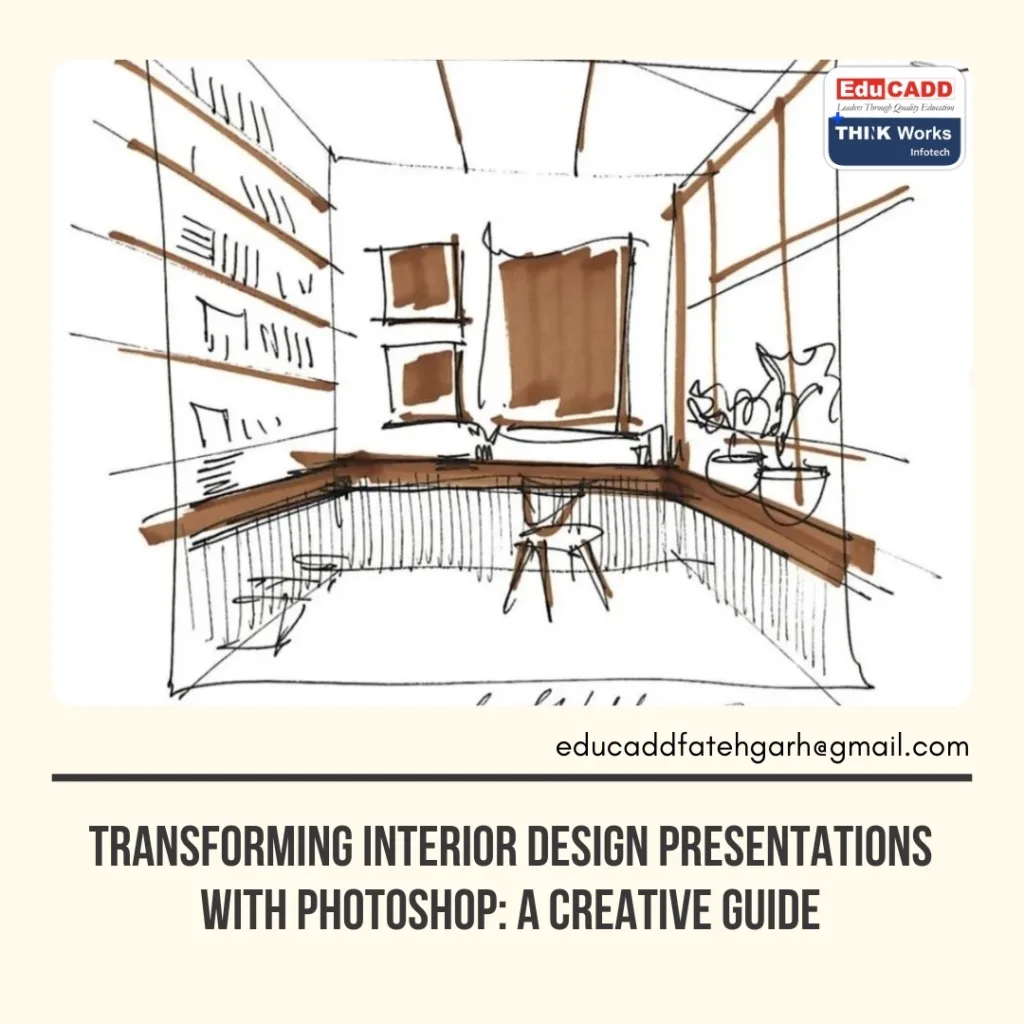
By blending technical accuracy with artistic creativity, Photoshop for interior design opens doors to professional-level renderings, concept boards, and mood visuals that inspire confidence. In this guide, you’ll explore how Photoshop can enhance your workflow, save time, and take your design presentations to the next level.
1. Why Photoshop is a Game-Changer in Interior Design
Interior design presentations need to be both visually stunning and accurate. Photoshop provides a versatile platform for designers to refine their visuals with precision. Unlike basic editing tools, it allows you to adjust textures, colors, and lighting with unmatched control.
One key advantage is its ability to integrate different media types. You can combine CAD drawings, 3D renders, and real-world photographs seamlessly. This capability ensures that your clients see not only the design intent but also how it fits into a real-world context. Additionally, Photoshop supports layered editing, which means you can keep every design element adjustable without starting over.
Furthermore, Photoshop’s non-destructive editing ensures you can experiment freely. Whether it’s adding realistic shadows or replacing flooring textures, you have complete control without damaging your original file. This flexibility is invaluable when making last-minute adjustments before a client meeting.
2. Creating Impactful Mood Boards and Concept Presentations
Mood boards play a crucial role in helping clients visualize the emotional direction of a project. Photoshop’s collage and composition features make creating these boards faster and more precise. By layering images, you can show how textures, colors, and materials work together in a space.
For example, a designer might take fabric swatches, paint samples, and furniture images to form a cohesive visual story. Photoshop allows you to adjust each element for color accuracy, ensuring what clients see on-screen matches real-life samples. Adding annotations and labels directly onto the board makes it easier for clients to follow your thought process.
Transitioning from mood boards to concept presentations is seamless. You can export high-resolution files, integrate them into PowerPoint, or present directly from Photoshop using large-screen displays. The polished look and professional clarity help you stand out in competitive pitches.
3. Enhancing 3D Renders for Realism
While 3D software like SketchUp, AutoCAD, or Revit can generate strong base visuals, they often lack the warmth and realism needed for client approval. Photoshop excels at post-processing these renders to make them feel more alive.
You can adjust the lighting to match a specific time of day, add realistic window views, or soften harsh shadows for a more natural look. By incorporating stock images or photographs, you can replace plain backgrounds with scenic exteriors or urban views that fit the project’s context.
Textures also benefit from Photoshop enhancement. For instance, wood grains can be sharpened for clarity, fabrics can be given more depth, and metallic surfaces can reflect light more accurately. These subtle improvements make presentations far more convincing.
One useful technique is adding human silhouettes or lifestyle elements, such as plants, books, or coffee cups. These touches create scale and relatability, helping clients imagine themselves in the space. As a result, the design feels less abstract and more attainable.
4. Streamlining Workflow with Photoshop Tools
Photoshop isn’t just for aesthetics—it can also make your workflow more efficient. Tools like the Clone Stamp, Healing Brush, and Content-Aware Fill save time when cleaning up images or removing unwanted elements.
Layer masks let you apply changes to specific parts of an image without affecting the rest, making it easier to test variations quickly. For repetitive tasks, Photoshop Actions can automate processes like resizing images, applying filters, or exporting multiple file formats in one go.
Smart Objects are another game-changer. They allow you to link files, so any update to the source material automatically reflects in all linked presentations. This feature is particularly helpful when working on multi-room projects or when the client requests global design changes.
In collaborative environments, Photoshop integrates well with Adobe Creative Cloud, allowing multiple team members to share and edit files in real time. This speeds up revisions and ensures that everyone is working from the most up-to-date version.
5. Presenting Your Work Professionally
Even the best designs can fall flat if they’re not presented well. Photoshop offers a range of export options and templates that ensure your work looks sharp in any format. You can prepare files for high-quality printing, create interactive PDFs, or design layouts for digital presentations.
Custom presentation templates in Photoshop allow you to maintain consistent branding. Using your logo, color palette, and typography in every presentation strengthens your professional identity. Clients recognize your style, which helps build trust and brand recall.
You can also create before-and-after comparisons by overlaying design changes on existing photos. This approach makes transformations more tangible, especially for renovation projects. When clients can see the “wow” factor of your design in a side-by-side view, decision-making becomes much easier.
Additionally, Photoshop enables you to prepare presentation boards at multiple scales, ensuring they look great whether you’re presenting in person or over video conferencing platforms. The flexibility to adapt to different presentation environments is a major advantage in today’s hybrid working world.
Conclusion
Photoshop Interior Design Presentations is far more than just an editing tool—it’s a creative powerhouse that can elevate your presentations from ordinary to extraordinary. With its ability to refine renders, craft compelling mood boards, and streamline workflows, it empowers designers to communicate their vision clearly and persuasively.
In a field where first impressions matter, the difference between a good presentation and a great one often lies in the details. By mastering Photoshop’s features, you can ensure your designs don’t just speak—they captivate. Whether you’re working on residential, commercial, or hospitality projects, Photoshop can help you turn your ideas into visuals that inspire confidence and win clients.

